Export of observations
Observations of a product can be exported to Excel or CSV. When showing a product, there is an Export button. When clicking it, it shows a menu with several options to export the observations of this product:
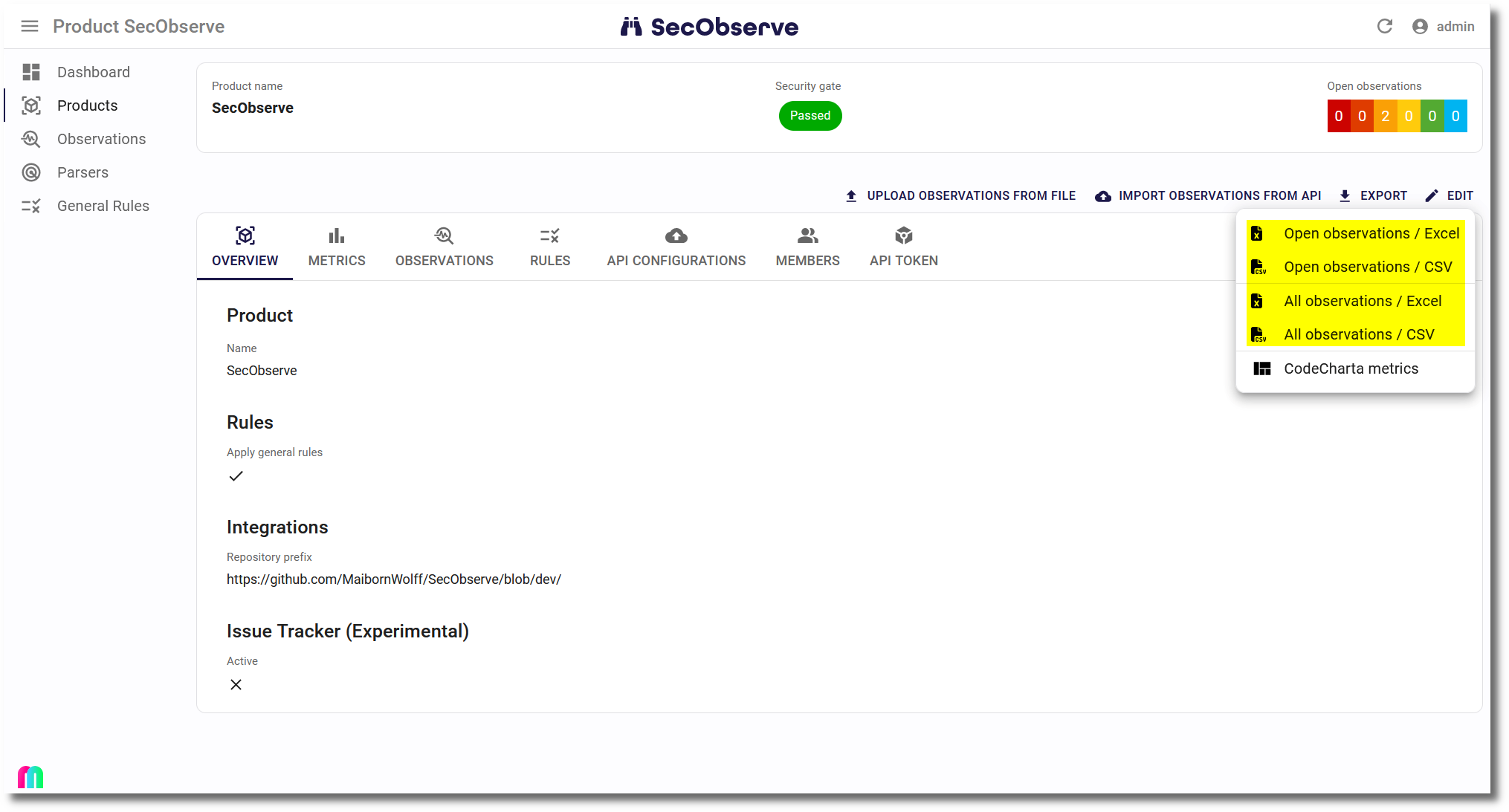
When the Observations tab is open, the menu also shows the entries Current selection / Excel and Current selection / CSV. They export the observations of the list with its filters and its sort order.
The columns are sorted alphabetically by their header.