Security gates
A security gate shows, that a product does not exceed a defined amount of vulnerabilities per severity. It can be Passed if the product is under or at the defined thresholds or Failed if the product has more observations for at least one severity.
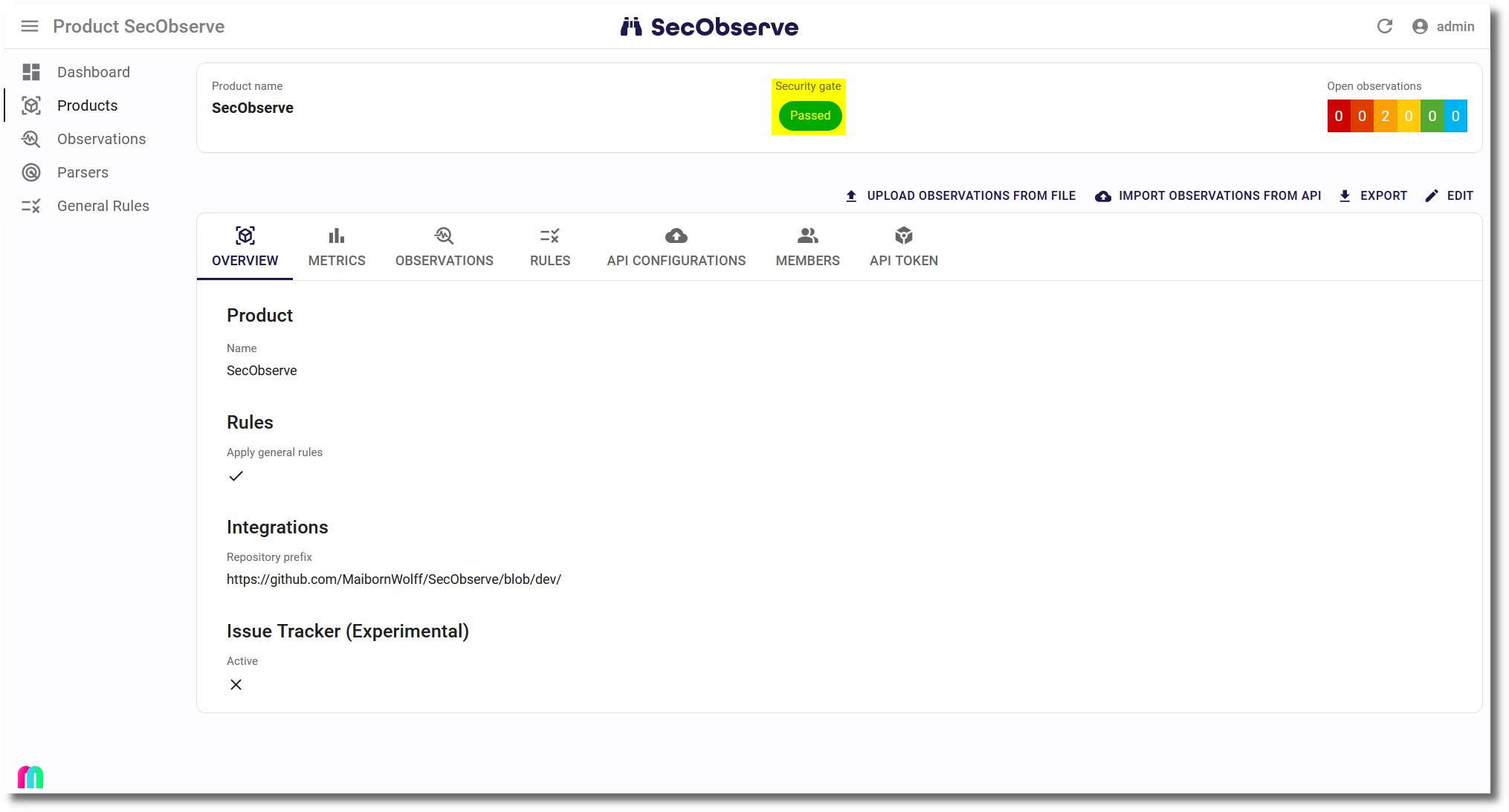
There is an instance-wide definition of the thresholds, that can be changed by an administrator. The default is:
| Severity | Threshold |
|---|---|
| Critical | 0 |
| High | 0 |
| Medium | 99999 |
| Low | 99999 |
| None | 99999 |
| Unknown | 99999 |
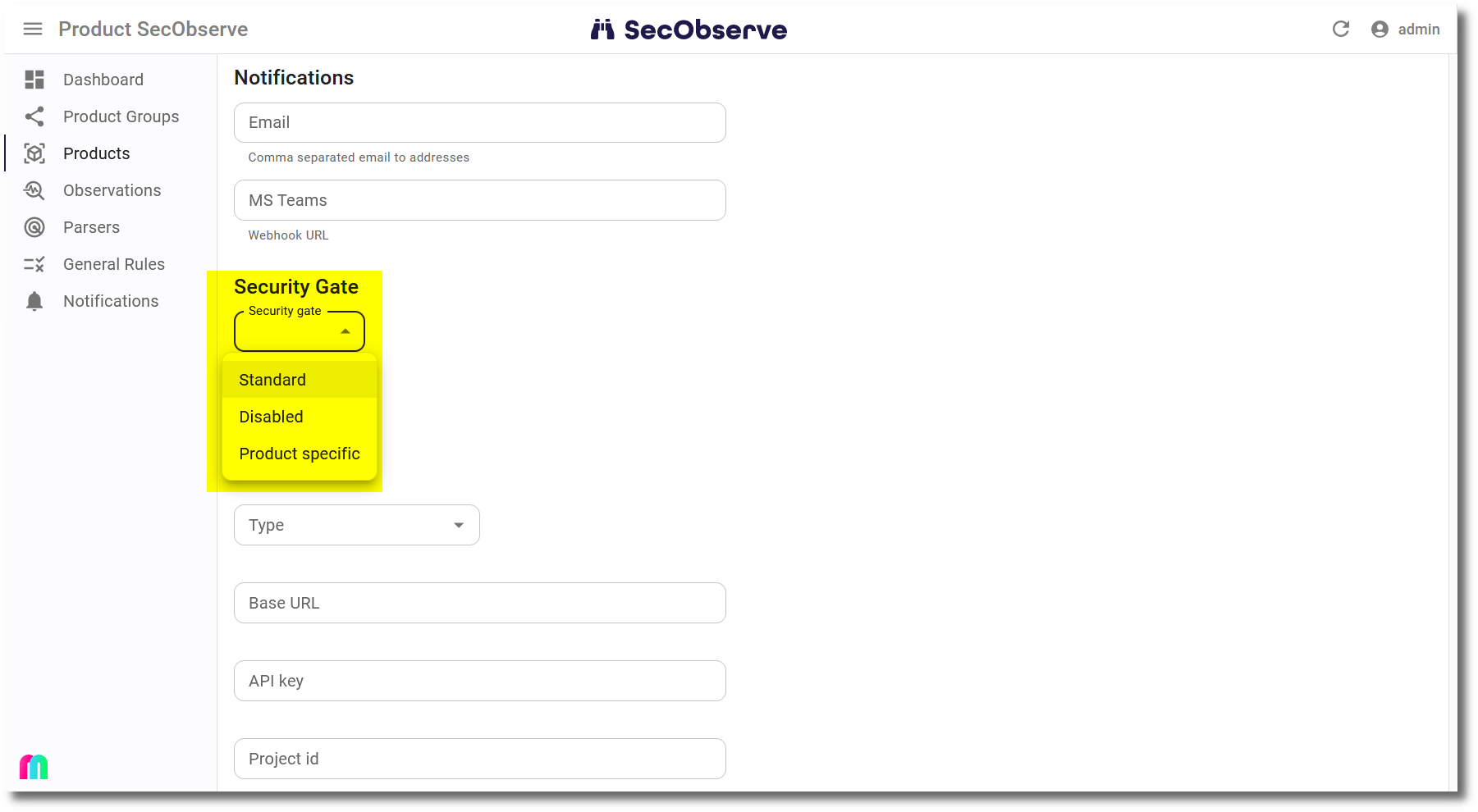
A product can decide how to deal with security gates by setting the Security gate attribute:
- Standard: Use the instance-wide definition, this is the default.
- Disabled: Do not calculate and show a security gate.
- Product specific: Use product specific thresholds to calculate the security gate.
Branches / versions
The security gate of a product is calculated for its default branch / version.
The same thresholds are applied to every other branch / version as well. The result is shown in the list of branches / versions of a product and is part of the branches API, so that a CI/CD pipeline can check the security gate of the branch it has just scanned:
The attribute security_gate_passed of a branch / version is true if it is under or at the thresholds, false if it exceeds at least one threshold and null if the security gate is disabled for the product.